 BookedWork Pro
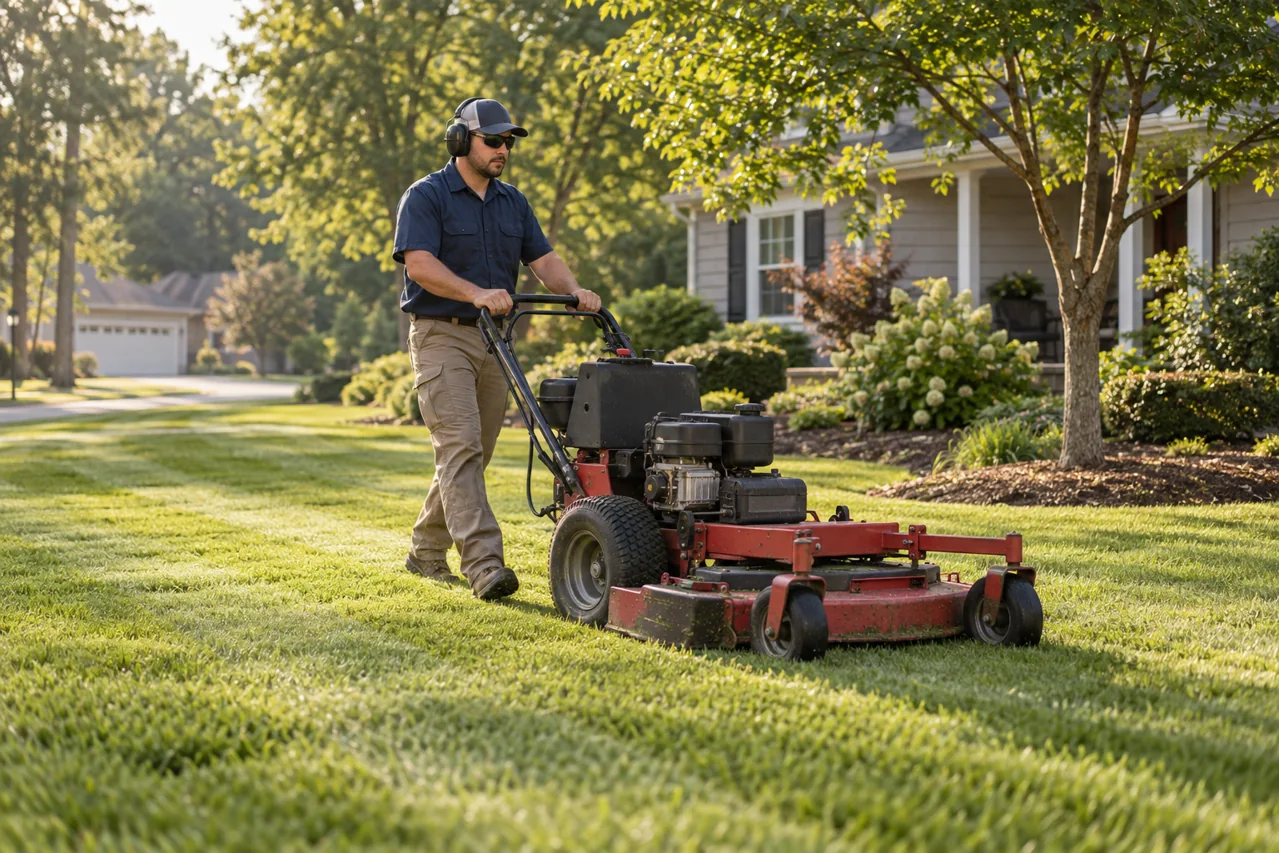
A weekly mowing customer does not have a single project handover. The same property may be on the route for months, while rain, locked gates and changing growth conditions create plenty of contact along the way. A useful review process fits that recurring relationship. It should never turn every service notification into another request for praise.
This guide contains original examples to adapt, not an automated campaign. Reading it sends nothing. Use only a contact channel appropriate to the customer relationship and their preferences.
Start with the correct business profile.
Before printing a card or adding a link to an invoice, confirm that the Google Business Profile represents the business the customer actually hired. Check the displayed name, phone, website and offered services. Follow Google's verification process for that profile; having a website or a Google account does not mean the profile is verified.
A crew that travels to customers and does not receive them at its business address should follow Google's service-area guidance, including removing the public address when appropriate. List the territory you actually serve. Do not create a separate profile for every subdivision simply to collect more listings. Consult the current profile rules for your specific operation.
Keep access with the business owner and authorized managers. Save the profile-management instructions where the office can find them, rather than relying on a crew member's personal phone as the only way to respond.
Test the review link before it reaches a customer.
In the profile's management tools, use Read reviews → Get more reviews to obtain the direct link. Google currently provides review QR-code generation in a computer browser. Save the code from the profile, then scan a printed sample with a phone. The official instructions below are the reference if Google's interface changes.
- Open the link on a phone and confirm the correct business appears.
- Check the QR code at its actual printed size, not just enlarged on a screen.
- Put a readable business name and ordinary website address beside the code so its purpose is clear.
- Keep the review link separate from a payment link, booking link or customer-service form.
A customer may need to sign into Google to post. Do not collect their credentials or hand them a shared crew device. Let them decide whether and when to review on their own device. Test the destination without submitting a fake review.
Choose one consistent milestone, not every weekly cut.
Set a reasonable operational rule before looking at which customers seem happiest. For example, invite honest feedback after the first agreed service cycle has been completed, or at a season checkpoint for established customers. Those are workflow examples, not a prescribed number of visits or a promise about response rates.
Apply the same rule to comparable customers. Do not run a satisfaction survey that sends only high scorers to Google while diverting everyone else to a private form. Keep a direct way to report service problems available to every customer, independently of the review request.
For a delayed visit, explain the actual service status first. A rain notification should clarify the revised window or next update; it is a poor place to bury a review request. Do not remove unhappy customers from the review process to shape the rating. Handle the service issue and follow a consistent request policy.
Use a short request that leaves the words to the customer.
Replace brackets with your actual details. Do not prescribe a star rating, keywords or which employee the reviewer should mention. A review is optional; the quality of service, price and complaint response should not depend on it.
After the initial recurring service cycle
Hi [first name], thanks for choosing [business] for your lawn service. If you would like to share your experience, you can leave an honest Google review here: [review link]. Your feedback helps us understand how the service is working for you. If you need help with a visit, reply here or contact [service contact]. Thank you, [first name].
At an established customer's season checkpoint
Hi [first name], thank you for having us care for your lawn this season. If you would like to review your experience with [business], here is our Google review link: [review link]. Sharing feedback is entirely optional. For a service question, contact [service contact] so we can help directly.
A printed leave-behind
How was your lawn service? Share your honest experience with [business] on Google. [QR code and readable link] Need help with a visit? [phone or email]
Avoid repeated requests to someone who has declined or already reviewed. Record that the request was made, rather than treating silence as permission for an unlimited reminder sequence. Do not set employee review-count quotas or reward the crew based on customer star ratings.
Respond to the experience, without exposing the property.
For a positive review, a brief, specific thank-you is enough. Original example: “Thank you for sharing your experience. We appreciate the opportunity to look after your lawn.” Do not add a home address, gate code, service schedule or private information to make the response sound more personal.
For a complaint about missed edging or a rain delay, acknowledge the concern and invite direct contact. Original example: “Thank you for raising this. We would like to review the visit and understand what happened. Please contact [business contact] so we can look into it with you.” Check the record before promising a refund, a return visit or a new time.
Do not argue publicly about whether the customer left a gate open or paid an invoice. Separate investigation, service recovery and any financial decision from the rating. A remedy must not be offered in exchange for changing or removing a review. Report content through Google's tools when it violates policy; disagreement alone is not a removal guarantee.
Keep a small record that improves service.
Use the minimum information needed in your existing service record or a private worksheet. You do not need another elaborate system to know whether the link works, the office has responded, or the same complaint keeps recurring.
| Record | Why it helps |
|---|---|
| Service milestone and request date | Apply the same request rule and avoid duplicates. |
| Contact preference or do-not-request note | Respect the customer's choice and stop repeated asks. |
| Feedback theme and responsible person | Route a service concern to someone who can act. |
| Follow-up action and closure date | Check whether the operational problem was addressed. |
Review themes alongside completed visits: unclear weather updates, clippings on hard surfaces, gate handling or inconsistent edging. Verify the facts and adjust the service process where appropriate. A growing review count does not prove route profitability, customer retention or marketing return. Keep those business measures separate.
Before the next request
- The link opens the correct business on a phone.
- The service milestone is consistent across comparable customers.
- The wording asks for an honest experience, with no incentives or rating instructions.
- The customer has a separate, clear way to get service help.
- No employee quota, shared review device or private customer information is involved.
- The request record prevents unnecessary repetition.
Google's current instructions and policy
The workflow and examples above are original editorial guidance. Google's linked instructions control profile setup, requests and review-policy questions; they can change.